Entering the World of Budget Gaming Laptops
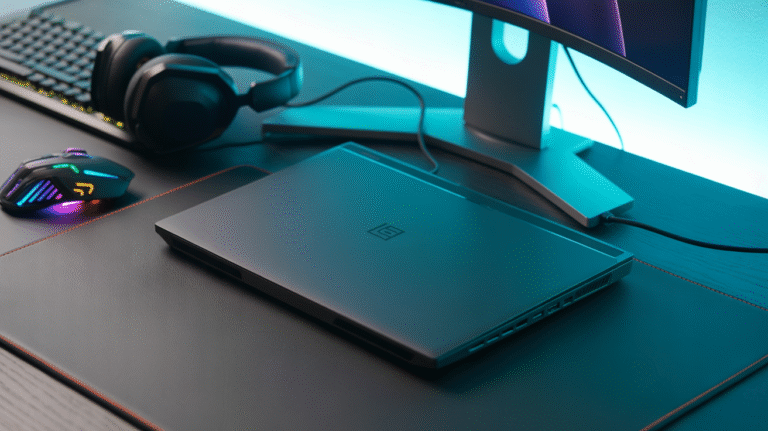
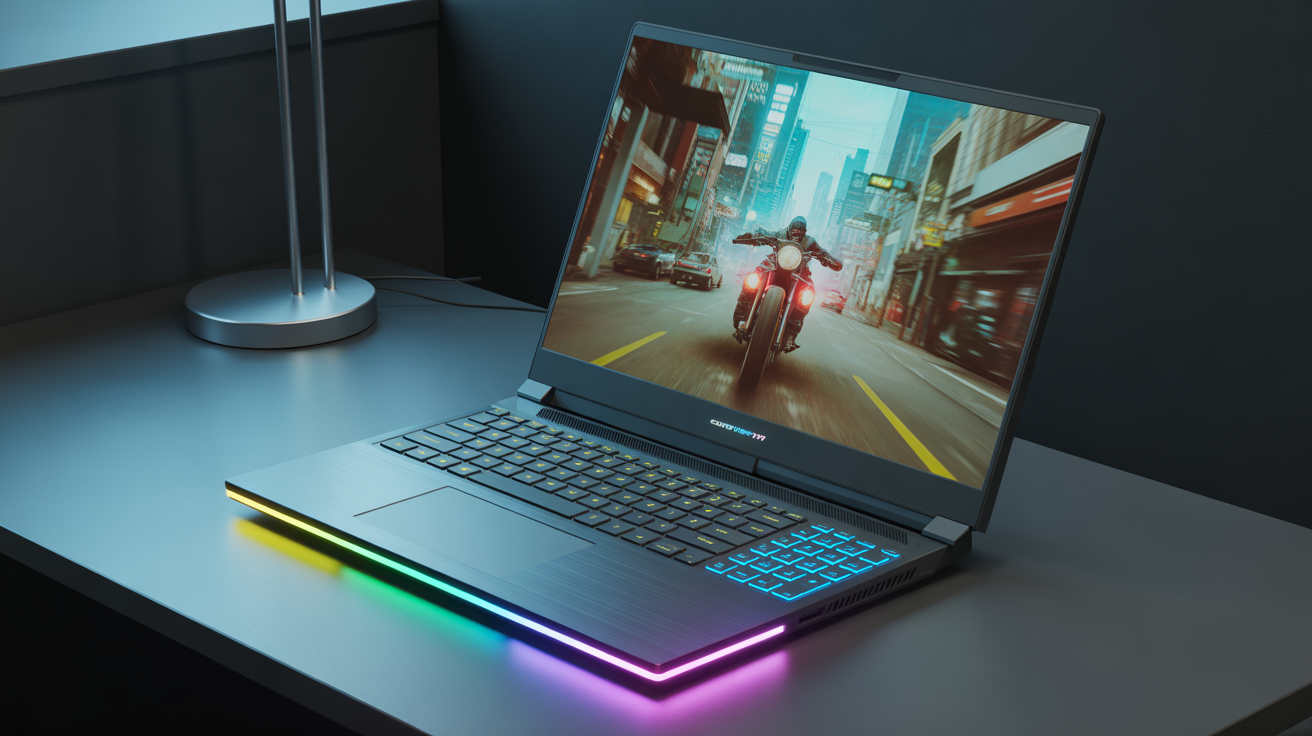
Entering the world of PC gaming doesn’t require breaking the bank, and for many, a budget gaming laptop under $1000 in 2025 offers a compelling entry point. These machines aim to balance cost with performance, allowing users to play modern titles without the premium price tag of high-end models. The demand for such laptops is driven by gamers who want smooth, responsive gameplay without the highest graphical fidelity.
Choosing a gaming laptop under $1000 means finding the sweet spot where affordability meets capability. While they won’t offer the absolute peak performance of top-tier machines like the Razer Blade 18 or Dell Alienware m18 R2, the best budget options in 2025 can still deliver a very enjoyable gaming experience, often targeting 1080p resolution at solid frame rates. Understanding what “budget” signifies in this context is crucial, it means prioritizing core gaming components and performance while accepting some compromises in areas like build quality, display features, or cooling efficiency compared to more expensive counterparts.
Essential Components: What Matters Most Below $1000?
In the sub-$1000 gaming laptop segment, certain components take precedence to maximize gaming performance within cost constraints.
The Graphics Card (GPU): The Primary Driver of Gaming Performance
The GPU is the most critical component for gaming, as it handles rendering visuals. In budget laptops for 2025, you’ll typically find entry-level to mid-range NVIDIA GeForce RTX 40-series GPUs, such as the RTX 4050 or RTX 4060, or equivalent AMD Radeon GPUs. These GPUs are capable of running most modern AAA games, often requiring settings adjustments for optimal performance, particularly at higher resolutions. For instance, some budget models come equipped with up to an RTX 4070, which is impressive for the price point.
The Processor (CPU): Balancing Gaming and Productivity
While the GPU is paramount for frame rates, the CPU is also important as it handles game logic, AI, and other background processes. Budget gaming laptops in 2025 often feature capable AMD Ryzen 7040-series or newer CPUs, or Intel Core i5/i7 processors. These processors are powerful enough to avoid bottlenecking the GPU in most gaming scenarios and provide sufficient power for everyday tasks, multitasking, and even content creation.
System Memory (RAM) and Storage (SSD): Minimum Requirements for Modern Gaming
For modern gaming, 16GB of RAM is generally recommended, though some budget models may come with 8GB which might require an upgrade for smoother performance in demanding titles. Fast storage is essential for quick loading times, and Solid State Drives (SSDs) are standard in 2025 gaming laptops, even at the budget level. Ensure the laptop includes an SSD, and consider if there’s an extra slot for future storage expansion.
Display Considerations for Budget Gaming
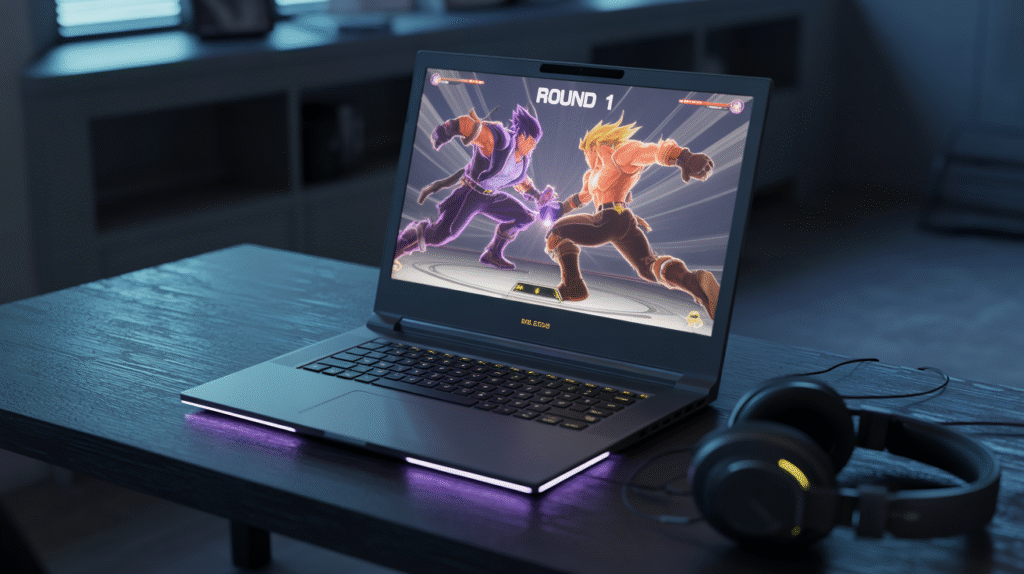
The display is your window into the game world, and even on a budget, certain display features are highly desirable.
Resolution and Refresh Rate: Finding the Right Balance
For gaming laptops under $1000, Full HD (1920×1080) resolution is the most common and practical choice, as the GPUs in this range are best suited to drive smooth frame rates at this resolution. Higher refresh rates significantly improve the perception of motion smoothness, crucial for fast-paced games. Look for displays with a refresh rate of 144Hz or higher, which is ideal for reducing motion blur. Some budget models even offer 165Hz or 240Hz QHD+ panels, providing a better balance of resolution and refresh rate.
Panel Type and Color Accuracy: Visual Experience vs. Cost
Most budget gaming laptops use IPS panels, which offer good viewing angles and decent color reproduction compared to older TN panels. While color accuracy might not be as vibrant as on premium displays like those with Mini LED backlights found in high-end laptops, they are generally sufficient for a good gaming experience. Some budget displays may lack in color reproduction, particularly the FHD options. FreeSync support is also a valuable feature to prevent screen tearing.
Build Quality and Cooling: Understanding the Compromises
Budget price points often necessitate compromises in materials and thermal design compared to premium models.
Chassis Materials and Overall Durability
Budget gaming laptops typically feature a build that combines plastic and sometimes metal components. While sturdy enough for everyday use, they may not feel as premium or robust as the full aluminum chassis found on higher-end laptops. Display hinges might also feel less rigid on some models.
Thermal Performance and Fan Noise Under Load
Cooling is a significant challenge for powerful components packed into a laptop form factor, and this is often an area where budget models show their limitations. While they have cooling systems designed to prevent critical overheating, budget gaming laptops tend to get quite warm and loud under heavy gaming load. Fan noise can reach noticeable levels, which is something to consider if you plan on gaming without a headset. Despite the noise and heat, they generally remain functional during extended sessions.
Keyboard, Touchpad, and Connectivity
User input and connectivity are vital for a positive gaming experience.
Typing Feel and Gaming Responsiveness
The keyboard on a gaming laptop should provide clear tactile feedback for comfortable and responsive typing and gaming. While not always featuring advanced per-key RGB lighting found on premium models, budget laptops typically offer functional and reasonably comfortable keyboards for extended use.
Port Selection and Wireless Capabilities (Wi-Fi, Ethernet)
A good selection of ports is essential for connecting peripherals like external monitors, mice, and headsets. Look for laptops that include a variety of USB-C, USB-A, and HDMI ports. An Ethernet port is also beneficial for a stable wired internet connection, especially for online gaming. Modern budget laptops should ideally support recent Wi-Fi standards like Wi-Fi 6 or Wi-Fi 7 for low latency online gaming.
Top 3 Budget Gaming Laptop Picks for 2025
Based on performance, features, and value within the sub-$1000 price range, several models stand out in 2025.
1. Acer Nitro V 16S AI: Best Budget Gaming Laptop
Engineered for elite performance, the Acer Nitro V 16S AI Gaming Laptop houses the AMD Ryzen 7 260 AI Processor and NVIDIA GeForce RTX 5060 Laptop GPU. This potent combination not only powers demanding games and 4K HDR streams but also accelerates AI-driven tasks. Its 16-inch WUXGA IPS 180Hz display ensures vibrant, fluid visuals, further boosted by NVIDIA DLSS 4. With superior connectivity and a design focused on innovation, the Nitro V 16S is a comprehensive solution for gaming and content creation on the move.
2. ASUS TUF Gaming F16: Best Cheap Gaming Laptop
Let’s dive into the world of gaming with a closer look at the ASUS TUF Gaming F16 Gaming Laptop (FX607VU-SS53), a machine designed to offer a robust and immersive experience for gamers on the go. This laptop strikes a fine balance between performance, durability, and visual fidelity, making it a compelling choice for those seeking a powerful yet practical gaming solution. With its discrete NVIDIA GeForce RTX 4050 GPU and a vibrant 16-inch FHD+ display, it promises to handle your favorite titles with ease, all wrapped in a subtle yet resilient design.
3. ASUS Chromebook Vibe CX34 Flip: Best For Cloud Gaming
This innovative device seamlessly blends the portability and simplicity of a Chromebook with the power and features designed for an exceptional cloud gaming experience. Boasting a vibrant 14-inch, 144Hz touch display, a capable Intel Core i5-1235U processor, and a generous 256GB SSD, the CX34 Flip is engineered to deliver smooth, responsive gameplay and efficient multitasking.
Its pearl white finish and versatile 360-degree hinge make it not just a gaming powerhouse, but also a stylish and adaptable companion for work and creativity, especially with the integrated garaged stylus. Whether you’re battling foes in the cloud or tackling daily productivity tasks, this Chromebook offers a compelling blend of performance, convenience, and modern design.
Upgrade Potential in Budget Laptops
While budget laptops are not as modular as desktop PCs, some components are typically user-upgradable.
- Commonly Upgradable Components (RAM, Storage) Most budget gaming laptops allow users to easily upgrade the RAM and internal SSD storage. This can provide a significant boost to performance and storage capacity down the line, extending the usable life of the laptop.
- Limitations (CPU/GPU are Typically Soldered) It’s important to note that the CPU and GPU on gaming laptops, including budget models, are almost always soldered directly onto the motherboard and cannot be upgraded. Therefore, choosing a laptop with a capable enough CPU and GPU for your current and near-future gaming needs is crucial.
Realistic Gaming Performance Expectations Under $1000
Setting realistic expectations is key when purchasing a budget gaming laptop.
- What Level of Performance to Expect at 1080p or 1600p For the sub-$1000 price range, you should realistically expect to play most modern AAA games at 1080p (Full HD) resolution with a mix of medium to high settings, achieving frame rates generally above 60 FPS for smooth gameplay. Some less demanding or older titles may run at higher settings or frame rates. Playing at 1440p (QHD) might require significant compromises on graphical settings to maintain playable frame rates with the GPUs typically found in this price range.
- The Role of Technologies Like DLSS and FSR Modern NVIDIA RTX GPUs support DLSS (Deep Learning Super Sampling), and AMD Radeon GPUs support FSR (FidelityFX Super Resolution). These upscaling technologies can render games at a lower resolution and then intelligently upscale them to the display’s native resolution, providing a significant boost in frame rates with minimal perceived loss in visual quality. Utilizing these technologies is often essential for achieving smooth performance in demanding games on budget hardware.
Drawbacks to Be Aware Of
Budget gaming laptops come with compromises that potential buyers should understand.
- Common Compromises (e.g., Webcam Quality, Display Brightness) To keep costs down, manufacturers often save money on components less critical to core gaming performance. This can include lower quality webcams, less bright or vibrant displays with poor color accuracy (especially on FHD panels), and sometimes a less refined touchpad experience.
- Battery Life While Gaming vs. General Use Gaming laptops, particularly high-performance models, are power-hungry machines. While some models may offer decent battery life for light tasks like browsing or watching videos, battery life drops significantly during intensive gaming sessions. You should expect to keep the laptop plugged in for the best performance and during longer gaming periods.
Finding the Right Budget Gaming Laptop for Your Needs
In 2025, finding a capable gaming laptop under $1000 is entirely possible, provided you prioritize core gaming components and understand the inherent compromises in this price range. Models like the MSI Katana A15 AI and ASUS TUF Gaming A16 Advantage Edition offer solid performance for playing most modern games at 1080p. When making your decision, consider the balance of CPU and GPU power, the display’s refresh rate and resolution, the thermal design, and the overall build quality. While you may sacrifice some premium features and build materials, these budget-friendly options provide a cost-effective way to enjoy PC gaming.
Summary of Key Points:
- Budget gaming laptops under $1000 in 2025 offer a balance of cost and performance for playing modern games, primarily targeting 1080p resolution.
- Focus on the GPU (like RTX 4050/4060 or equivalent AMD) and a capable CPU (AMD Ryzen 7000 series or Intel Core i5/i7).
- Look for displays with a 144Hz or higher refresh rate for smoother visuals.
- Expect compromises in build quality, and anticipate noticeable fan noise under load.
- Models like the MSI Katana A15 AI and ASUS TUF Gaming A16 Advantage Edition are top recommendations in this category.
- RAM and storage are often upgradable, but the CPU and GPU are not.
- Be realistic about performance expectations; settings adjustments may be needed for demanding titles.
- Battery life during gaming is limited, requiring the laptop to be plugged in.
Frequently Asked Questions (FAQs)
Q. Can I really play modern AAA games on a laptop under $1000?
A. Yes, you can. Laptops in this price range in 2025, equipped with GPUs like the RTX 4050 or RTX 4060 (or AMD equivalents), are capable of running most modern AAA games. However, you may need to adjust graphical settings, typically playing at 1080p resolution with a mix of medium to high settings to achieve smooth frame rates (generally above 60 FPS).
Q. What’s the most important component for gaming in a budget laptop?
A. The graphics card (GPU) is the single most important component for gaming performance. While the CPU, RAM, and storage are also crucial, the GPU has the biggest impact on how well games run and what graphical settings you can use.
Q. Should I prioritize a higher refresh rate or higher resolution display?
A. For gaming under $1000, prioritizing a higher refresh rate (144Hz or more) at 1080p resolution is generally recommended. This provides smoother visuals, especially in fast-paced games. While some budget laptops may offer higher resolutions like 1440p, the GPUs in this range might struggle to achieve high frame rates at that resolution without significant graphical compromises.
Q. How much RAM do I need for a budget gaming laptop in 2025?
A. For modern gaming, 16GB of RAM is ideal and recommended for smoother performance in demanding titles and multitasking. While some budget models might come with 8GB, upgrading to 16GB is often a worthwhile investment if possible.
Q. Can I upgrade components in a budget gaming laptop?
A. Typically, you can upgrade the RAM and the internal SSD storage in most budget gaming laptops. This can improve performance and storage capacity. However, the CPU and GPU are almost always soldered to the motherboard and cannot be upgraded.
Q. Will a budget gaming laptop get hot and loud?
A. Yes, budget gaming laptops often get quite warm and can produce noticeable fan noise under heavy gaming load. Their cooling systems are designed to prevent overheating but may not be as efficient or quiet as those found in more expensive laptops.
Q. What kind of battery life can I expect?
A. Battery life on gaming laptops is significantly shorter when gaming compared to general use. While you might get a few hours for tasks like browsing or streaming, expect only around an hour or two of intensive gaming on battery power. For the best performance during gaming, keep the laptop plugged in.
Are budget gaming laptops suitable for non-gaming tasks?
A. Absolutely. The CPUs found in budget gaming laptops are typically powerful enough to handle everyday tasks, work, school assignments, browsing, streaming, and even some content creation like video editing or graphic design. Their capabilities extend well beyond just gaming.